
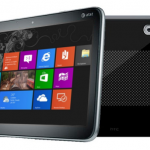


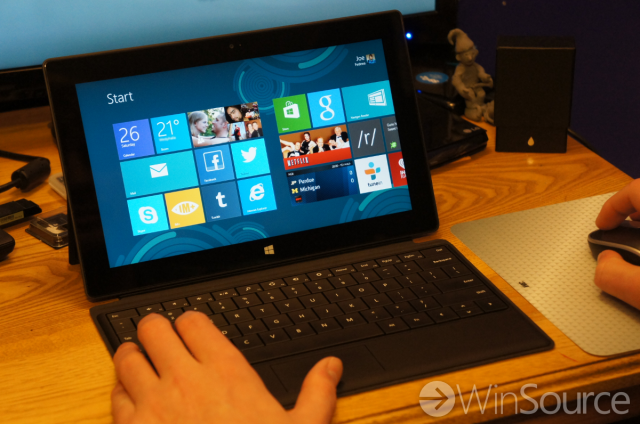
Tablets have really taken off in the last few years for professionals and businesses. A lightweight, easy to carry, computer has been a dream for many people, and the iPad was the first to come close to that dream. Unfortunately the iPad is far from being a full fledged computer, and that has given Microsoft a chance to compete. When Microsoft unveiled Surface they touted its ability to be a content consumption device (like the iPad), but also be really good at productivity. The one problem with that is Windows RT.
Windows RT is great at content consumption with apps like Netflix, Hulu+, CNN, and ESPN, but productivity apps are harder to come by. That’s because it’s not possible to download desktop class applications in Windows RT. If you need something like Photoshop you aren’t going to get much work done on a Surface tablet. Surface Pro will solve this problem next month, but it will cost you at least $400 more. So what can you do on Surface RT? I’ll show you the system that I have developed in order to get work done on my Surface RT tablet.
Split Screen is what puts Windows RT ahead of something like the iPad in terms of productivity. Without Split Screen it would be a pain to constantly switch between apps and windows to get work done. Split Screen allows me to multitask in a way you simply can’t do with an iPad or Android tablet*. So while I can’t run something like Photoshop, I can run two really nice metro apps at once. This will work for some people, but for others it won’t be enough to do any real work.
I want to hear some examples of how you work with Surface and Windows RT. Share the apps and techniques you have found that help you be productive. Let us know below!
*The Galaxy Tab 10.1 can run two apps at once, but it is incredibly laggy and slow when doing it.