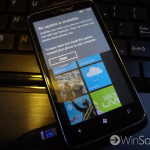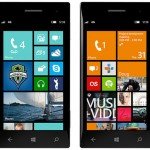









Windows Phone 7.8 has finally started rolling out for several devices, but there are still many more to go. Unless you’re an owner of a Nokia phone you probably have not received the update yet. There is a way that has worked for some people that allows you to force the 7.8 update to arrive. This is the official update, not some hacky ROM or unofficial build. All it takes is a little patience, a computer than can have WiFi turned off, a data cable, and your phone. Let’s begin.
- Turn off WiFi and data on your phone
- Connect to Zune
- In Zune, go to Settings and check for an update
- As soon as you click “Update” disconnect from the internet.
- After Zune says it can’t check for an update reconnect to the internet
- There should be an update ready this time
- Follow along with the wizard to complete the update
Make sure to try this a few times if it doesn’t work right away. Timing is key, so it may take several tries before you get it. This won’t work for all Windows Phone devices, so if it doesn’t work after several tries you probably won’t be able to get it. Patience is the only answer for that. Let us know if this works for you!
[via WPCentral